GameLink for Arma Reforger
Proximity voice, radio, megaphone and vehicle intercom for Arma Reforger, using the game's own radios. Add one mod to your server. Players just run GameVox.

In Game
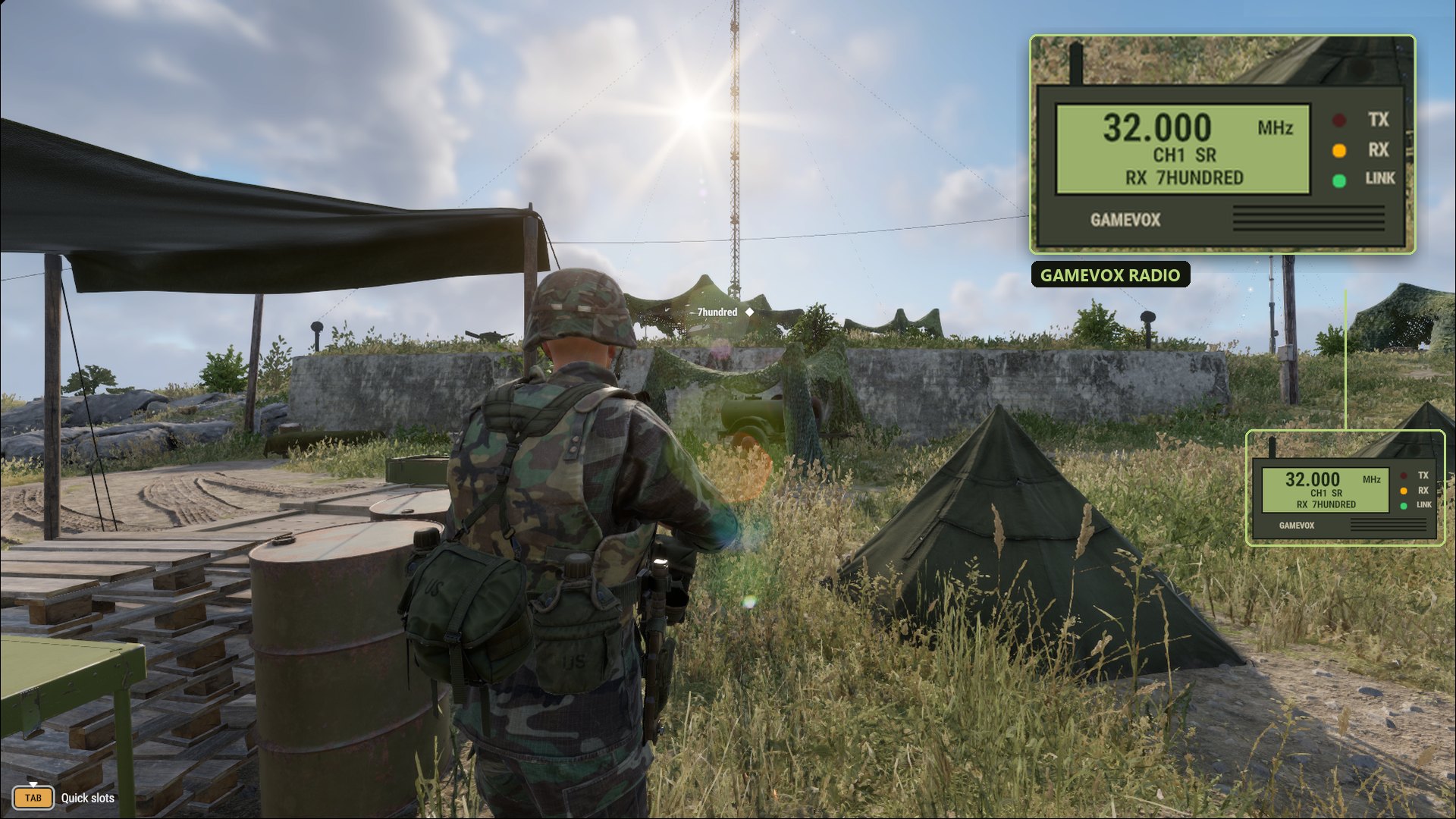
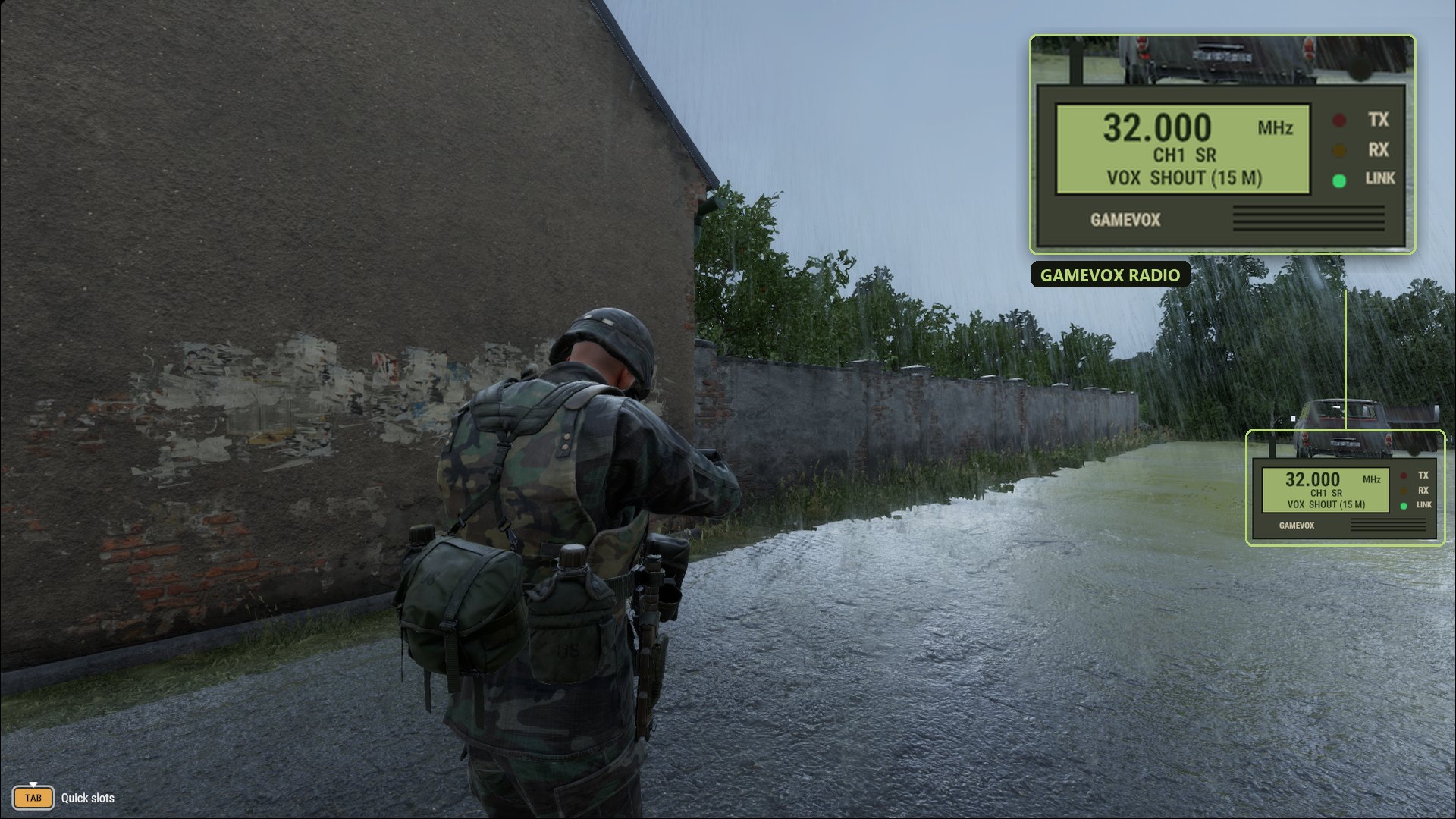
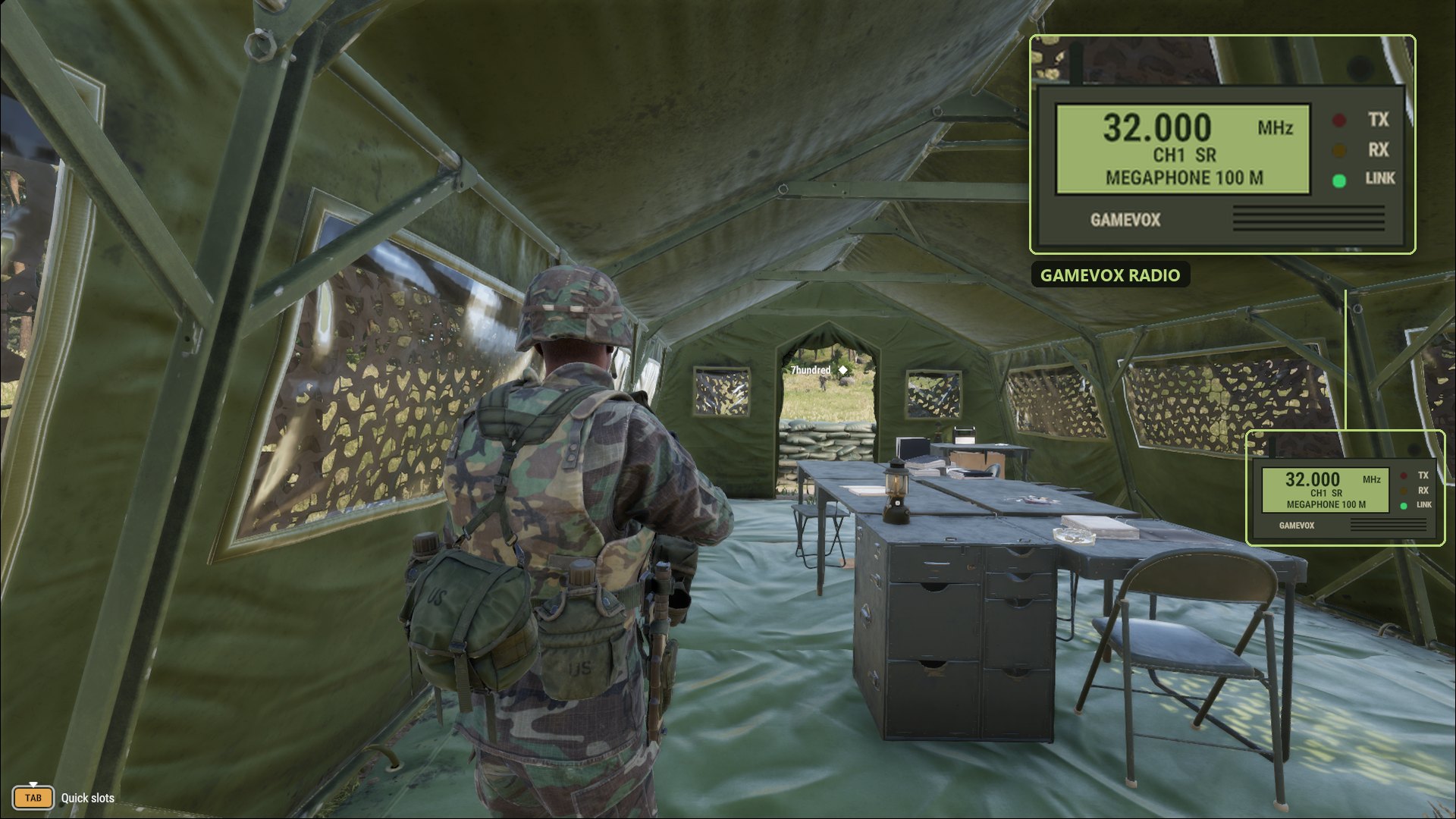
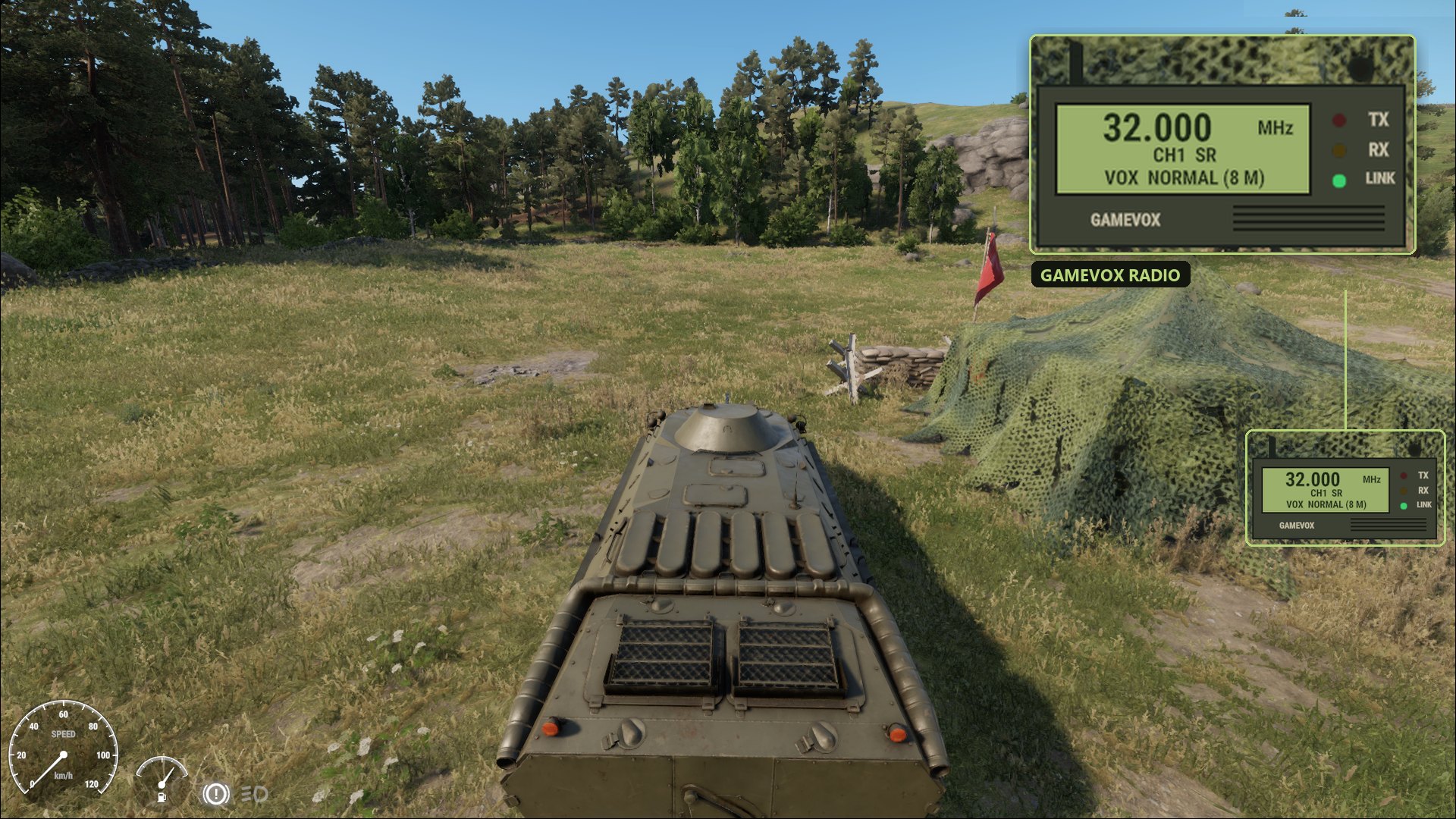
Real captures from Arma Reforger with the GameVox mod running
What You Get
Built on the radios, vehicles and rules already in the game
Proximity Voice
Hear players by distance and direction. F3 cycles Whisper, Normal, Shout and Yell (3, 8, 15 and 32 m by default). Hills and buildings muffle voices.
Radio on Your Radios
Transmit with the game's usual radio keys. Anyone with a powered radio on that frequency, in range and with the right encryption key hears you. Backpack and vehicle radios count as long range.
Megaphone
Hold F5 to be heard up to 100 m away. Server owners can limit it to vehicles or turn it off.
Vehicle Intercom
Everyone in the same vehicle talks on one intercom, with no radio needed.
Radio on Your HUD
A handheld radio at the right of the screen shows the frequency, channel and who is talking, with TX, RX and LINK lights. F4 hides it.
Takes Over From VON
While you are in a GameVox voice channel, the game's VON stops capturing your mic, so nobody hears you twice. Without GameVox, the game's voice works as usual.
Setup Guide
For players. Nothing to install in the game.
Join a Voice Channel
Join the same GameVox voice channel as your squad. GameVox carries your voice only while you are in a voice channel.
Join a Server With the Mod
Play on an Arma Reforger server that runs the GameVox mod. The game downloads it for you along with the server's other mods.
Talk
Speak normally for proximity voice, use the game's radio keys to transmit and hold F5 for the megaphone. Rebind any key under Settings > Controls > GameVox.
Server Setup
For server owners. One mod and an optional settings file.
Add the GameVox Mod
Add GameVox from the Arma Reforger Workshop to your server's mod list. Its Workshop ID (GUID) is 8D3D502CA74CB01D. In the server's config file it is one entry under mods:
"mods": [
  { "modId": "8D3D502CA74CB01D", "name": "GameVox" }
]Start the Server
On first start the server writes $profile:GameVox/server.json with the defaults:
{
  "voiceRanges": [3, 8, 15, 32],
  "defaultRange": 1,
  "replaceGameVoice": true,
  "unconsciousCanTalk": false,
  "megaphoneRange": 100,
  "megaphoneVehicleOnly": false
}Change the Settings (Optional)
Edit the file and restart the server. A setting missing from the file is added with its default, and the values you set are kept. Players get the server values automatically.
voiceRanges- Voice ranges in meters: 1 to 8 of them, each 1 to 1000. With exactly four, they are named Whisper, Normal, Shout and Yell.
defaultRange- The range every player starts at, counted from 0. The default 1 is Normal.
replaceGameVoice- Stop the game's VON from capturing the mic of players who run GameVox.
unconsciousCanTalk- Let unconscious players talk in proximity.
megaphoneRange- How far the megaphone carries, in meters (0 to 1000). 0 turns the megaphone off.
megaphoneVehicleOnly- Only allow the megaphone from inside a vehicle.
Checked by the Server
The server checks every voice range change, radio transmission and megaphone use against what the player actually carries. Nobody transmits on a radio they do not have or picks a range your server does not allow.
Default Keybinds
Rebind them under Settings > Controls > GameVox
Bring GameVox to Your Server
Add the GameVox mod to your server. Your players run GameVox and join a voice channel, and that is it.